
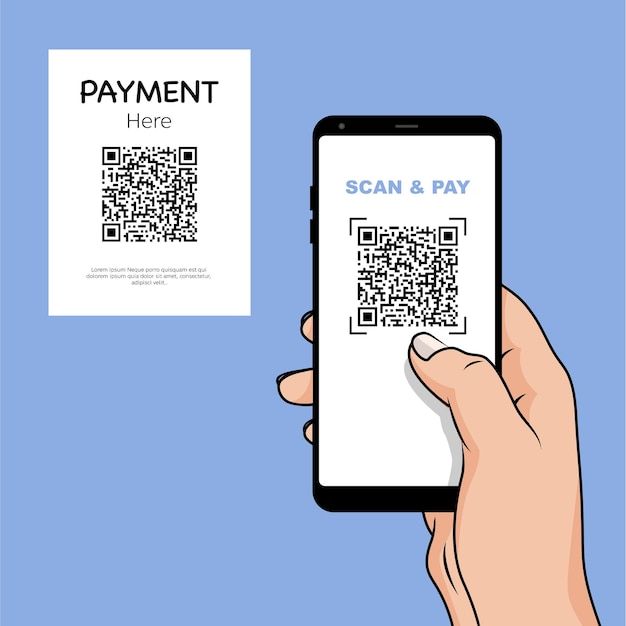
Quishing is a scam that uses fake QR codes to steal money and sensitive personal information. Travelers and tourists are particularly vulnerable because they often rely on QR codes for transit tickets, hotel services, restaurant menus, and digital payments.
In this guide, you’ll learn how quishing works, how to spot suspicious QR codes, and what to do if you’ve been affected.
What is Quishing
Quishing, or QR code phishing, is a scam where malicious URLs are embedded in QR codes to redirect users to fake websites designed to steal money, login credentials, or other sensitive information. This scam combines phishing and QR codes, which makes it effective and difficult to detect because the destination URL remains hidden until the QR code is scanned. According to a study by KeepNet Labs, 26 percent of all malicious links are now sent via QR code.
How Quishing works
Quishing uses the same methods as every other phishing scam; the only difference is the delivery method. While standard phishing uses emails, quishing uses QR codes.
Quishing works like this:
- Scammers create a fake website identical to a real one owned by a legitimate company (e.g., a payment platform or a sign-in portal).
- They generate a QR code that link to that fake website
- The QR code is printed on a physical sticker and placed over a legitimate QR code of that company.
- An unsuspecting user scans the code on their smartphone and is directed to the fake website.
- The user enters their details on the website which are immediately the captured by the scammer
- The user notice nothing suspicious until fraudulent charges occur later
Ways Travelers Are Likely to Encounter Quishing
- Parking and Payment QR Codes: Scammers may place fake QR code stickers over parking meter QR codes. When users scan the code to make a payment, they are redirected to a fraudulent payment page designed to steal card details and other sensitive information.
- Restaurant Menu: Many restaurants use QR codes to provide digital menus. Scammers can replace menu QR codes with fake ones that lead to phishing websites. Travelers should be cautious if a menu QR code asks for personal information, login credentials, or payment details
- Fake Account Alert: Scammers may contact victims by phone, text message, or email, claiming there is a problem with their account, booking, or payment. They then ask the victim to scan a QR code to verify their identity or confirm their information. The QR code directs users to a fake website designed to steal sensitive data.
- Posters and Flyers: QR codes are commonly used on posters and flyers to provide access to Wi‑Fi networks, tickets, discounts, or special offers. Scammers may cover legitimate QR codes with fraudulent ones that redirect users to phishing websites or malicious pages.
How to Identify a Fake QR Code
1. Physical Signs of Tampering
Always inspect the physical code before scanning. Be on the lookout for:
- Raised corners
- Air bubbles
- Peeling edges
- Mismatched colors
- Different paper or plastic materials
- A sticker placed directly over another code
- A code that looks crooked or out of place
2. Suspicious URL Preview Details
Modern smartphones display a URL preview when you scan a code. Before tapping to open the link, watch out for:
- Shortened URLs (e.g., bit.ly links)
- Misspellings in the domain name
- Unfamiliar website addresses
How to avoid Quishing scams
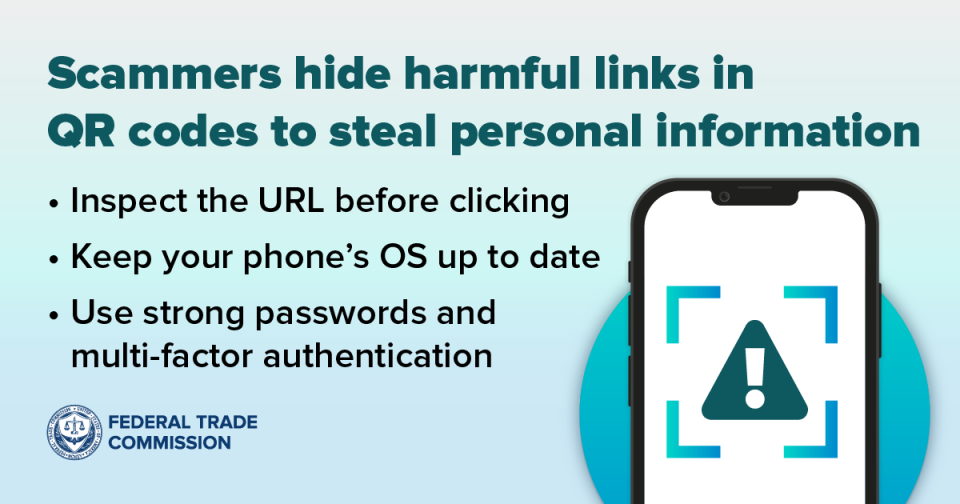
- Preview the URL: Smartphones now show the URL within a QR code. Take a moment to review and ensure that it is the correct one before opening it. Watch for any misspellings, unfamiliar website addresses, or shortened URLs.
- Beware of urgency: Be cautious if a QR code asks you for sensitive information immediately. Urgency is one of the tactics scammers use to pressure users into acting quickly without thinking.
- Don’t scan a QR code in an unexpected email or text message: Be skeptical of unknown emails containing QR codes. Scammers use these channels to direct victims to fake websites.
- Use strong passwords and multi-factor authentication: Strong passwords and multi-factor authentication can help prevent unauthorized entry into your online accounts. They make it harder for scammers to access your account even if they have your login details.
- Use official websites: Access the website address directly from your browser instead of scanning a QR code. It reduces the risk of being redirected to a fraudulent website.
What to Do If You Scan a Fake QR Code
- Exit the website immediately: If you suspect the QR code directed you to a fake website, exit it immediately. Do not provide any additional sensitive information or click on any links within the page.
- Contact your bank: If you suspect that your credit card or banking information has been compromised, contact your bank immediately. Ask them to freeze the affected card, monitor your account for suspicious activity, and reissue a new card.
- Change your password: If you entered your login details, change your password right away. It is best to do this from another device, as your current device may now be compromised. You should also enable two-factor authentication (2FA) and review your account settings to give your account an additional layer of protection.
- Run a security scan: Run a full scan on your smartphone using a trusted security app to detect any malware that may have been downloaded on your device. You should also review your recently installed apps and delete any that look suspicious.
- Report the incident: Report the incident to the appropriate agencies so they can track the scam and help prevent others from falling victim. Additionally, if the fake QR code was found in a public location such as a restaurant, parking meter, or hotel notify the business or property owner immediately so the fraudulent QR code can be removed.
Frequently Asked Questions
A QR code itself is not dangerous, but it can direct users to fake websites designed to steal personal information, login credentials, or payment details. Always preview the destination URL before opening.
Travelers commonly encounter quishing scams on parking meters, restaurant menus, event posters, flyers, public Wi‑Fi notices, and payment terminals where QR codes are frequently used.
You can protect yourself by inspecting QR codes for signs of tampering, previewing URLs before opening them, avoiding QR codes received in unsolicited emails or text messages, using strong passwords, and enabling multi-factor authentication on your accounts
If you scan a fake QR code, leave the website immediately, change any compromised passwords, contact your bank if financial information was exposed, run a security scan on your device, and report the incident to the appropriate authorities
Yes. Scammers often use fake QR codes to direct victims to fraudulent payment pages that look legitimate. If you enter your payment information, it can be stolen and used for unauthorized transactions
Yes. iPhones can be affected by quishing scams just like any other smartphone. While scanning a QR code will not automatically infect an iPhone, a malicious QR code can redirect users to a fake website designed to steal login credentials, payment information, or other sensitive data.